
Sainlogic Weather Station SA6 Plus Review
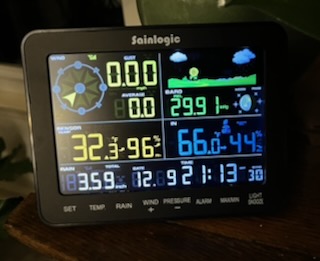
I got my hands on yet another Sainlogic Weather Station to review. Enter the Sainlogic SA6 Plus.
I love all of them but this one has one feature that stands out. A visual monitor. With most stations you can set your sensor outside and get real time conditions from your own yard.
Then you can retrieve that data from the Weatherseed application on your smart device. But let’s be honest here. If you pick up your cell phone there is probably a weather widget on the home screen that can give you plenty of weather information for you location. The advantage to using a Sainlogic Weather Station is that you are PART OF SOMETHING if you upload your data to the WeatherUnderground API.
But how much better is it that you don’t have to grab a phone and navigate to an app? All you need to do with the Sainlogic SA6 Plus is to look at the connected display.
Display
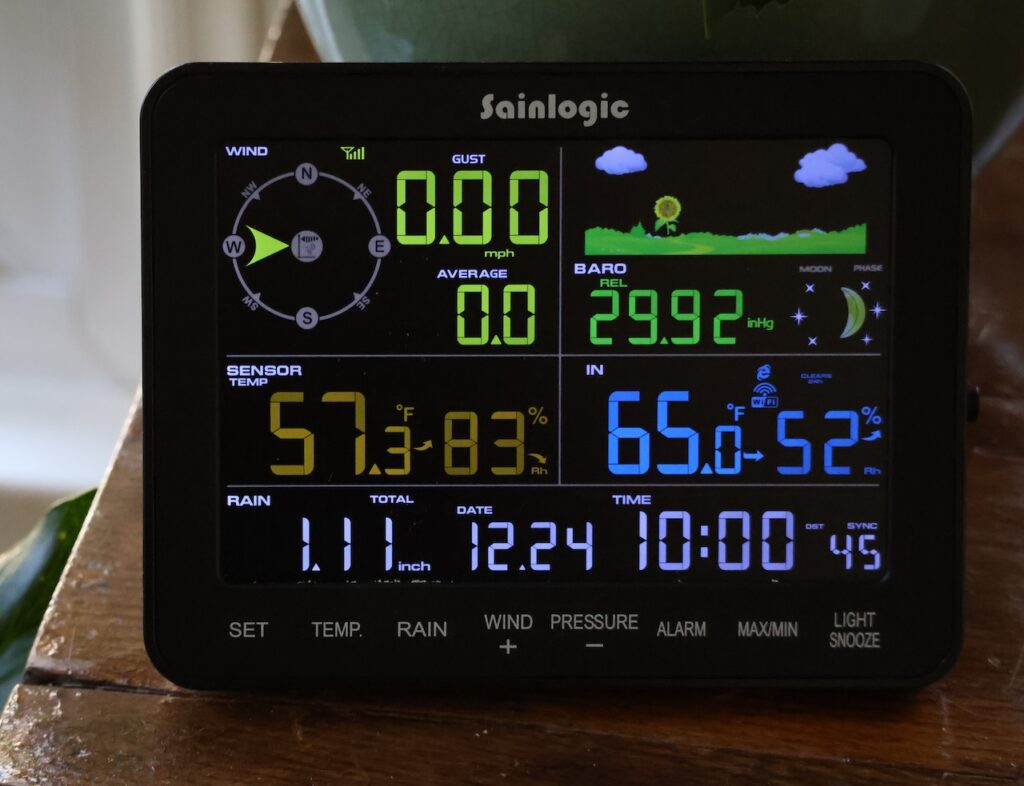
This display is the difference maker. I’m 63 years old and need cheater glasses just to read.
Our bedroom feeds into a sun room where I keep the SA6 Display. When the dogs wake me up and I step into the sun room I can read every detail on the screen. I mostly just look for the time and the temperature, but
it’s all there, and I can read it all. If you have older eyes like me, this is a big deal.
And to me this is so important that I’m going to repeat myself. If I have to pick up a phone to get weather details there are so many ways to do that. However, having this big, prominent display with crisp and colorful details gives me the info I want at a glance.
The display also contains sensors for capturing indoor temp / humidity / pressure.
Weather Station
First of all this is an attractive device with clean lines. Check out my video below.
The Station contains:
- Wind Vane
- Anemometer
- Rain Gauge
- Temp / Humidity Sensor
- Barometric Pressure Sensor
WeatherSeed and Weather Underground Apps
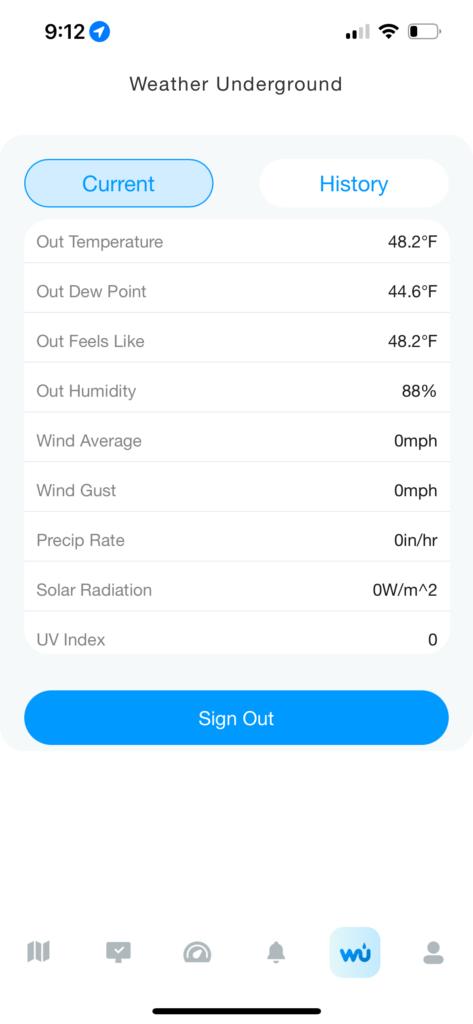
There are two apps you can use to expand your access to weather information. WeatherSeed is the app which connects to the SA6. Weather Underground allows you to share your data with others via their API.
WeatherSeed can also display the information shared with Weather Underground.
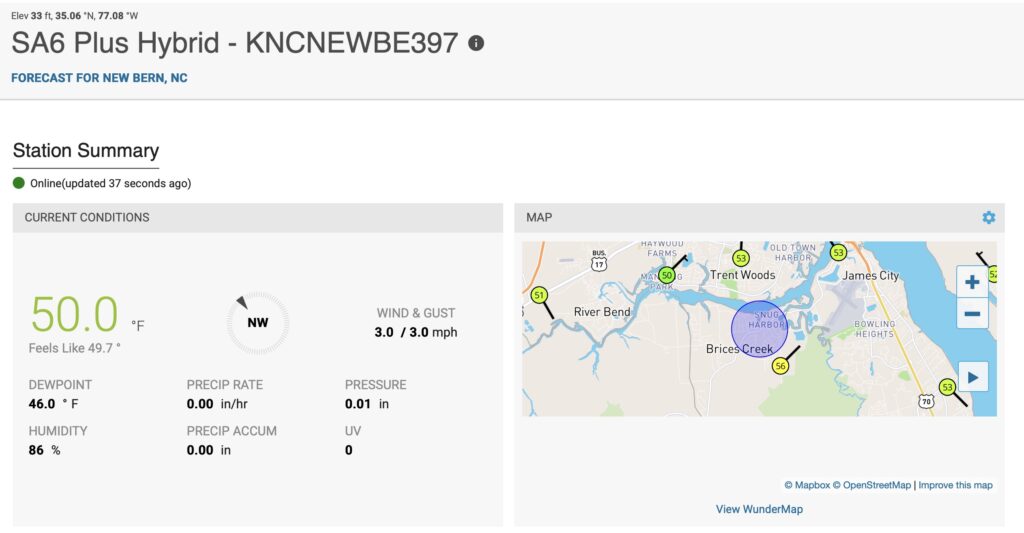
And here is my Weather Underground dashboard online. As you can see there are a lot of people near me also feeding information.
Setup
I’m not going through the setup. Great instruction manuals are provided for both the weather station and WeatherSeed application. You just need to follow the configuration instructions as provided.
Basically, you just add the station to WeatherSeed and then configure Weather Underground. You need an API key which you can get from Weather Underground for free. Again, just follow the great pictorial directions in the provided manual.
Final Thoughts
This is the 4th weather station that Sainlogic has provided me to review. And I can say for sure that the Sainlogic SA6 Plus is by far my favorite station so far. The root cause of that love is for the included display that I placed in a convenient location. That display really separates it from all the other stations.
If you are a weather geek and want to peer to peer weather data with other geeks the Sainlogic SA6 Plus is for you.
Was wondering why the outdoor sensor array has a UV/light sensor but the console SA6 Plus doesn’t read that signal. Support confirmed it doesn’t support light/UV and it doesn’t push it to WU