
Cigman CM-S05 12 Line Laser Level Review
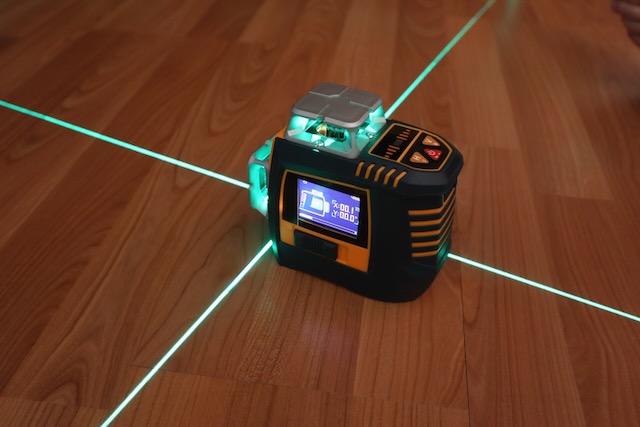
I recently was contacted by Cigman to review their 16 Line Laser Level (CM-S04). Following that review they asked me to test and review their new Cigman CM-S05.
The principal difference between the two are the number of projected line and the fact that the CM-S05 can be gesture controlled. Conversely, that means once it is setup it doesn’t require touching to operate.
The line lights can be dimmed and turned on or off just by using hand gestures. Also, this keeps the CM-S05 from being touched by dirty or greasy hands and touching the machine to push a button could shake or move your alignment slightly.
My video below demonstrates the function of the gesture controls. Additionally, I show the components of the CM-S05 kit.
This is an interesting development in the world of laser levels.
Key Features
- Gesture Control
- 12 Line Green Laser
- Controllable light intensity
- Digital Display
- Self Leveling
- Bluetooth or app control
- Pulse Mode for optional CLD-100 receiver
- Mounting for 5/8″ or 1/4″ x 20 tripod
12 Lines
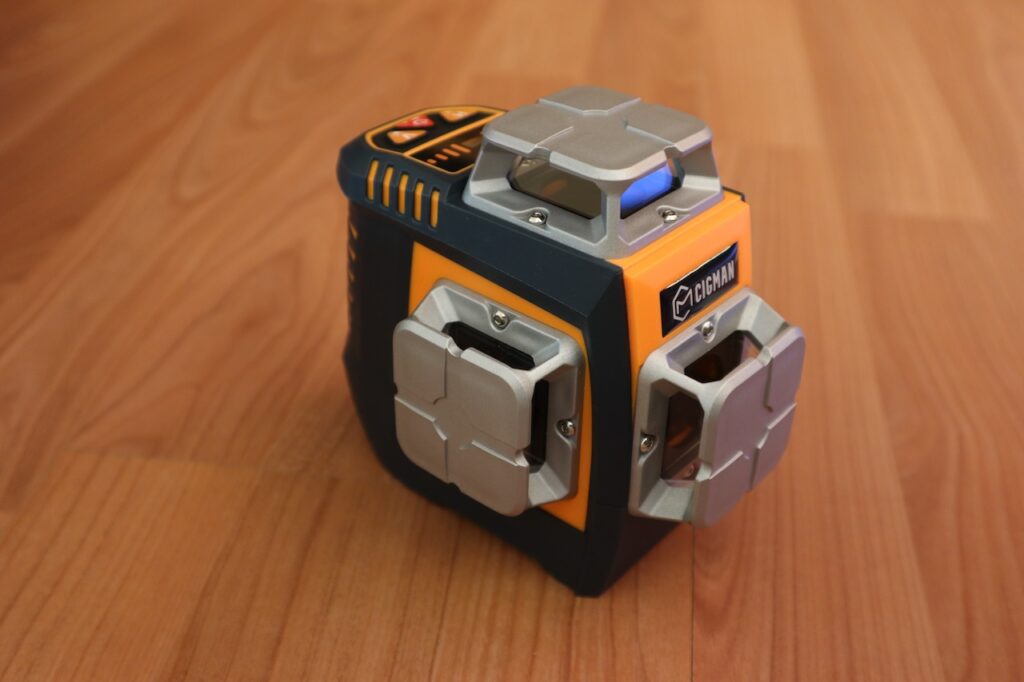
The laser on top projects horizontal lines in 4 directions (square). The two lasers below project 90° lines vertically. This makes an X on ceiling surfaces and vertical lines up walls. And of course you can turn any of the 3 laser lines on or off at any time via remote control, app, or gesture control.
Gesture Control
To turn on gesture controls you can either enable it in the app or you can long press the V Button.
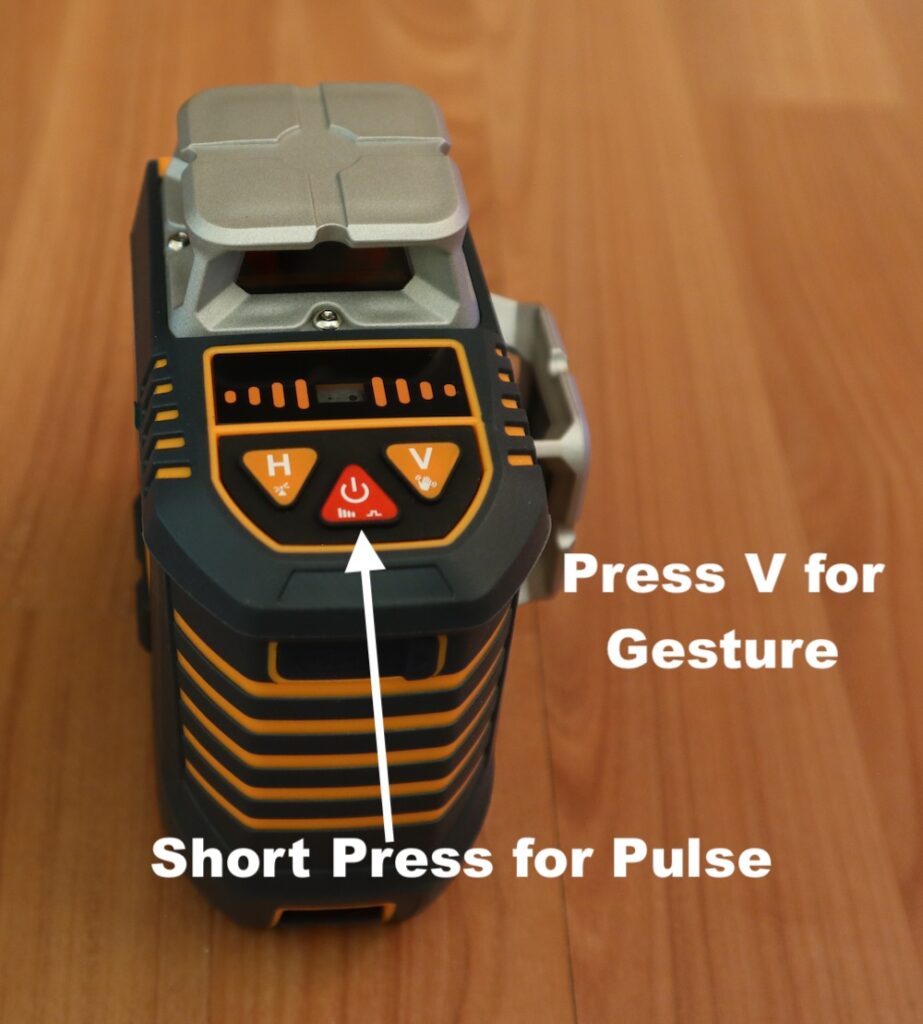
Short pressing the power button can enable Pulse Mode. If you are in bright light or a considerable distance from the CM-S05 you may not be able to see the green laser light. Pulse Mode sends out a 10 Hz pulse which can be detected by a portable receiver (CLD-100). The range is published as 165 feet.
Also, I can confirm that other green laser receivers from other manufacturers will work with the Cigman CM-S05.
Weather Rating
The CM-S05 is rated as IP54. An IP54 rating indicates a device’s level of Ingress Protection against solid particles and liquids. The “5” means it is dust-protected (allowing limited dust ingress without interfering with operation), and the “4” signifies it is protected against water splashing from any direction.
Manual Mode
If the pendulum is in the locked position you can power the laser level on and tilt it to any degree needed. Essentially, you get a straight line at any desired angle. Perfect for stairwell hand rails and artistic endeavors.
Finally, unlocking the pendulum will put the device in self leveling mode and the laser must be within 3° to achieve self leveling. If the unit is tilted more than that the green laser lines will flash.
Wrap Up
Gesture control is a Pro feature in my opinion. There is nothing worse than getting aligned and then having to push a button which could slightly alter your setup. Or at the least the line might bounce around for a second. Not having to touch the laser whether by app, remote control, or hand gestures gives the craftsman a huge convenience and complete control. Additionally, when you are on the job you probably have dirty hands or gloves. Not having to touch the device, remote or smart phone keeps things clean.
Now that I have the CM-S04 and CM-S05 I’m not sure which one to grab. I think in most cases I’ll probably grab the CM-S05. The kit is smaller but similarly equipped. The CM-S05 is slightly smaller and easier to handle. And of course the gesture control is a giant plus.
JOHN’S TECH BLOG LOVES THE CIGMAN LASER LEVELS