
Install Syncthing On QNAP TS-433
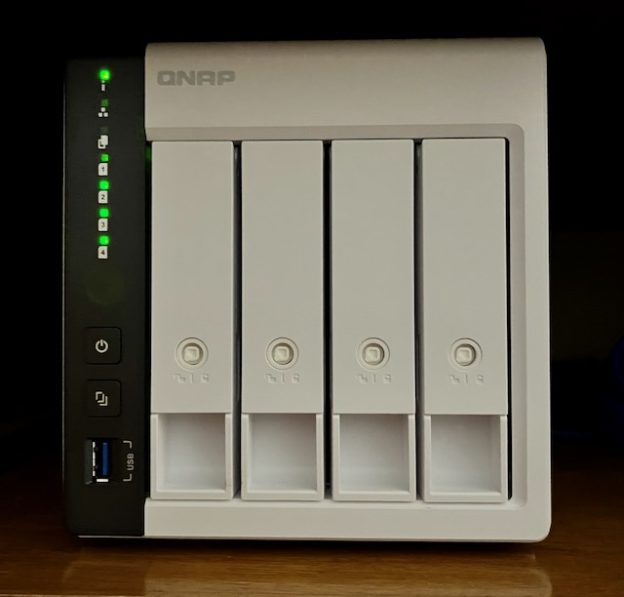
Well, this was harder than it should have been. Syncthing is quite likely the best synchronization software out there. At least I think so. Some years ago I kind of got tired of building up NAS devices and bought a QNAP TS-433 four bay NAS. This device uses an OS called QNAP Turbo System (QTS).
And I was kind of shocked to find out that Syncthing was NOT available in the QNAP App Center. What to do, what to do?
All is not lost. Read on.
It turns out that you can install Syncthing in a Container on QTS. I’ll demonstrate how to do this here. Hopefully, this will be beneficial to someone out there.
In retrospect I wish I had just built up another NAS and slapped TrueNAS on it.
My Situation
I make videos for YouTube for this blog. My Mac M1 laptop storage was full and the main culprit was nearly a Terabyte of video clips from iMovie and Final Cut Pro. I back up my laptop to another NAS I have which does have TrueNAS and I have Syncthing on both devices. I deleted all the .mp4 files on my laptop and set it up where TrueNAS would not delete any existing files but will keep adding them from my Mac.
Here’s the problem with that. All my mp4 files exist ONLY ON THAT NAS. Not good.
So there was a real need to sync those files to another device on my network. Conversely, while it is possible to install Syncthing on QTS it was absolutely no fun. It took me a while to figure it out and I had to invoke a little help from ChatGPT.
How To Install Syncthing on QNAP TS-433
Container Station
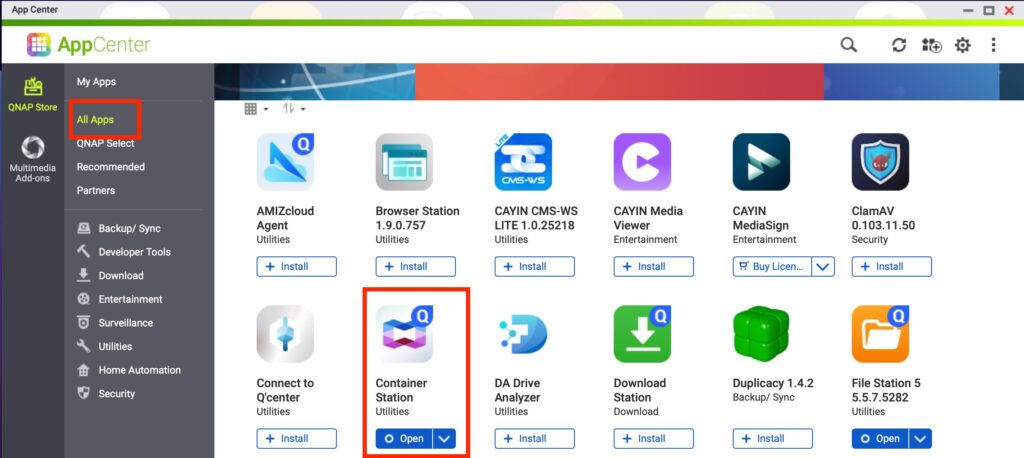
First you need to open your App Center and go to All Apps then find Container Station and install it. After that simply open it.
Since I have already done this I’ll create a duplicate Syncthing container and stop just shy of installing it. All the relevant steps will be depicted.
Wrap Up
This just covers the installation of syncthing on a QNAP TS-433 NAS with QTS. If there is any interest I might cover basic configuration. Actually, I think I have already done that in another blog somewhere