
Adafruit Ultimate GPS USB – Best Bargain GPS
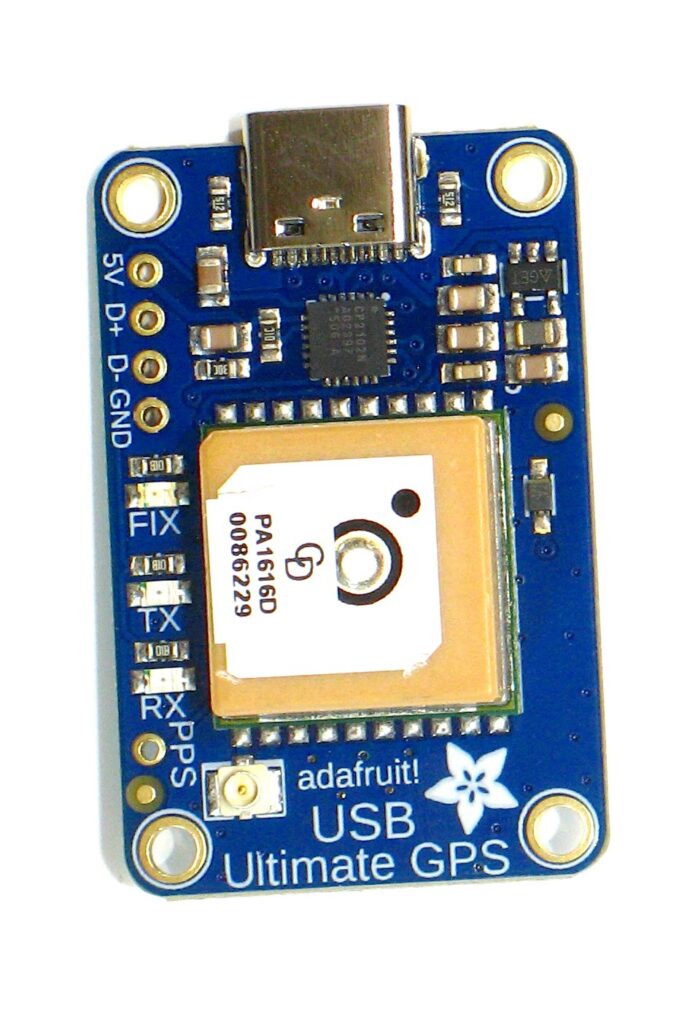
I love messing around with GPS modules. And I’ve said it before……..hooking a GPS up to a computer is a rite of passage for techies. I’m always on a quest to find a great module at a great price. Enter the Adafruit Ultimate GPS USB version ($29.99).
My favorite GPS modules are from U-blox however they tend to be a bit on the expensive side. That being said they have very powerful proprietary software that makes module configuration a breeze.
Not so much with the Adafruit modules which are based on the MTK3333 chipset which is definitely a great GPS chip. I know that you are thinking that you can buy GPS modules on Amazon or AliExpress for way less than $30, and you would be right. That being said almost ALL OF THEM are knock-offs and do not contain the chipsets that they claim. Yes, they are GPS modules, and yes, they work, however they are counterfeits mostly. I don’t like to spend my money on fakes.
Also places like Adafruit provide you tons of documentation to include command sheets, data sheets, and schematics. You get exactly what they say you get.
Brief Description
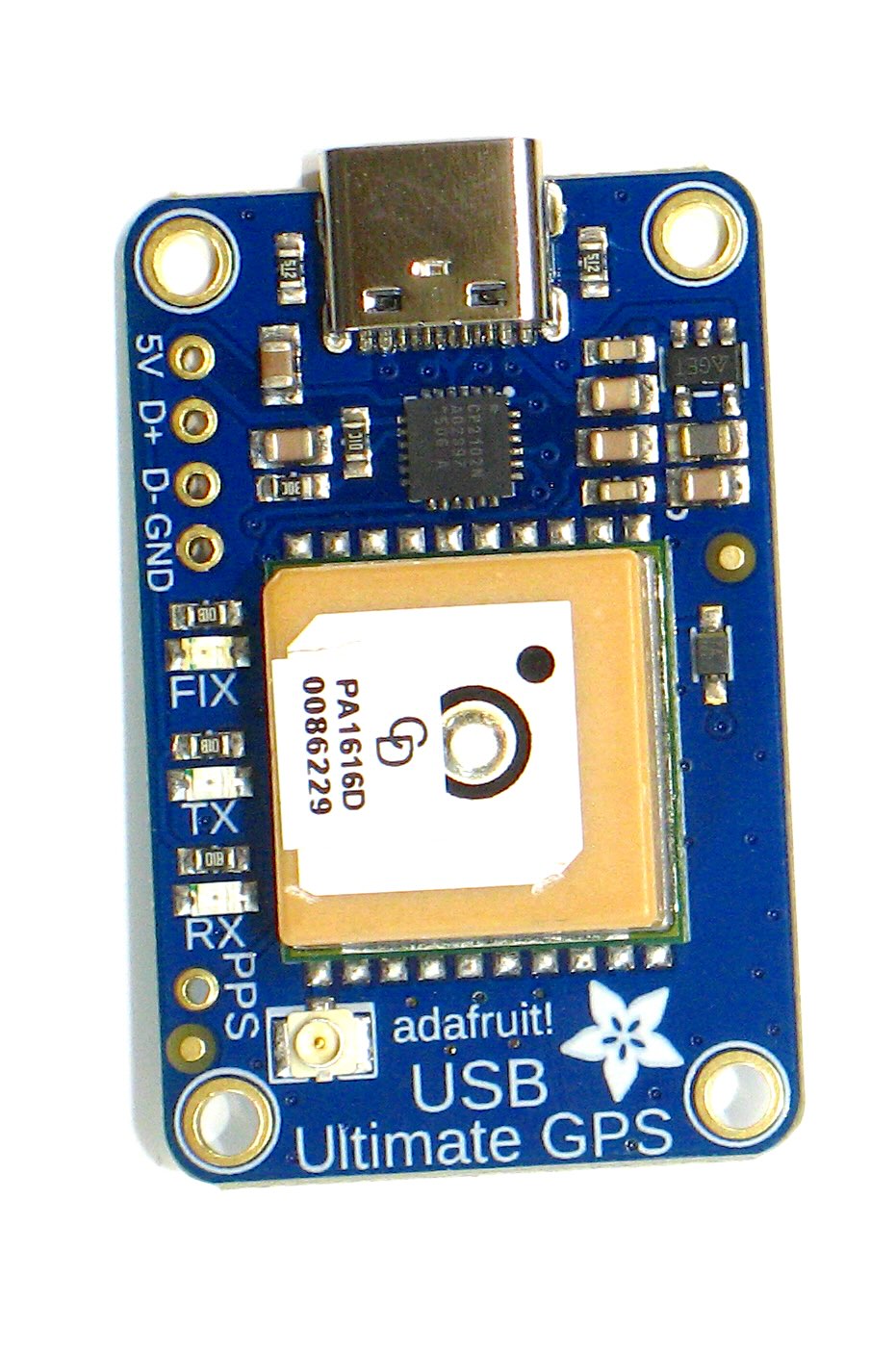
The things I love about this module are:
- Built in antenna
- External antenna can be added
- Can be used as a time server with PPS
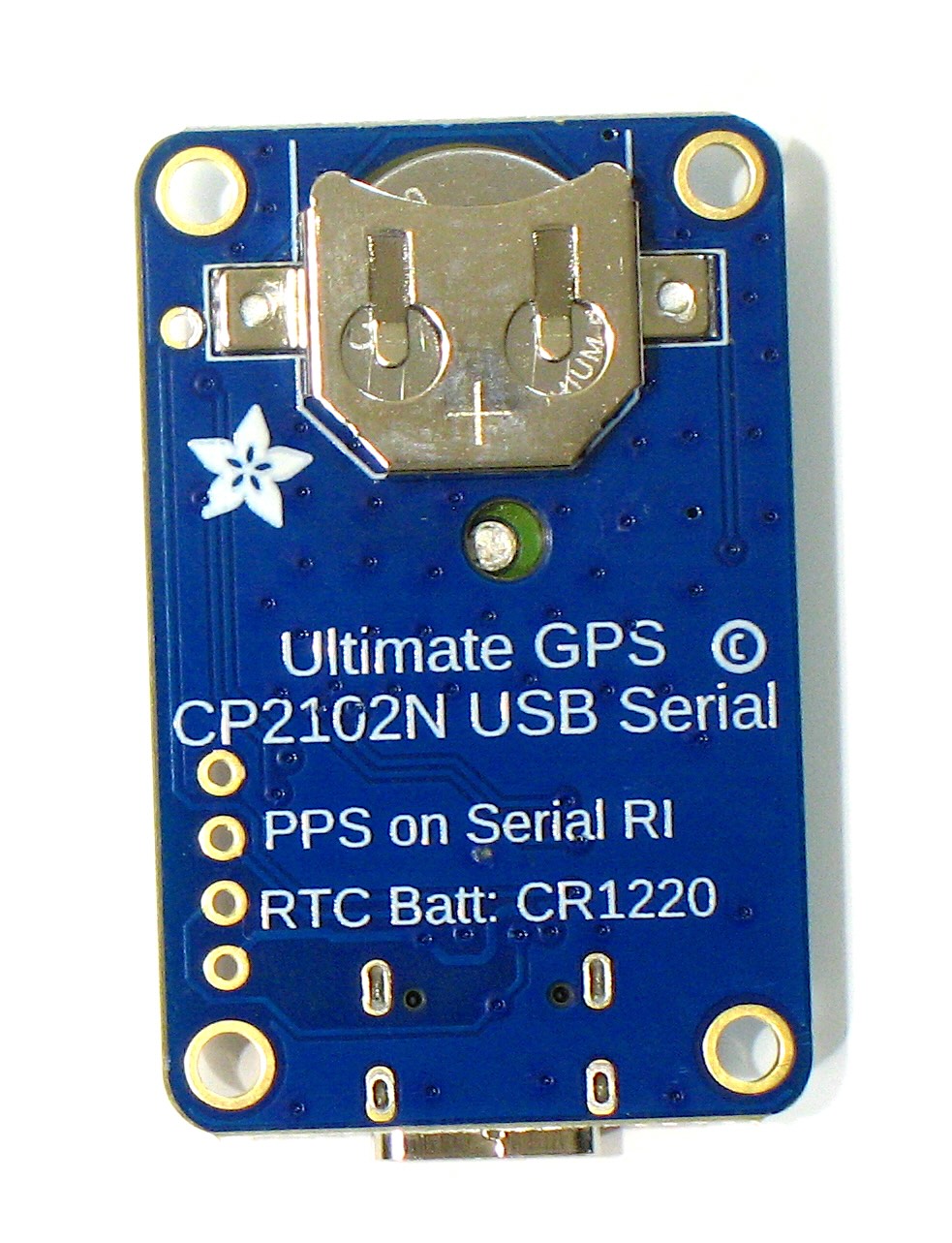
- Has a backup battery (not included) to retain settings
- USB-C connector to hook to your computer as a serial device or COM port
- LED indications of status
- Tons of documentation
- Up to 10 Hz refresh rate
Adafruit Ultimate GPS USB (click pics to enlarge)
Refresh Rates
The Adafruit Ultimate GPS advertises a 10 Hz refresh rate. Or 10 refreshes per second. The default refresh rate is only once per second. That is perfectly fine for most casual users. For me, bumping up the refresh rate is all about learning more than it is for the actual need to refresh position data. Once a second is actually enough.
I’ll be honest. Changing the refresh rate isn’t intuitive at all. All this was done on LinuxMint (Ubuntu) with GPSD installed and configured.
First of all you may need to stop GPSD if it is running.
sudo systemctl stop gpsd
sudo systemctl stop gpsd.socket
Then you need to set the serial port speed to 57600
stty -F /dev/ttyUSB0 57600Finally download this code and save it as gps.py. Not my code. Google AI
import serial
import time

# --- CONFIGURATION ---
PORT = '/dev/ttyUSB0'  # Change to /dev/ttyACM0 if needed
INITIAL_BAUD = 9600    # Factory default
TARGET_BAUD = 57600    # Required for stable 10Hz data

def send_command(ser, command):
    """Appends checksum and sends PMTK command."""
    ser.write(f"{command}\r\n".encode('ascii'))
    time.sleep(1) # Give the module time to process

try:
    # 1. Open at default speed
    print(f"Connecting to {PORT} at {INITIAL_BAUD} baud...")
    gps = serial.Serial(PORT, INITIAL_BAUD, timeout=1)

    # 2. Change GPS module to 57600 baud
    print("Increasing GPS Baud Rate to 57600...")
    send_command(gps, "$PMTK251,57600*2C")

    # 3. Reconnect Ubuntu serial port at the new speed
    gps.close()
    time.sleep(1)
    gps = serial.Serial(PORT, TARGET_BAUD, timeout=1)
    print("Reconnected at 57600 baud.")

    # 4. Reduce data load: Output ONLY RMC sentences
    # Sending all data at 10Hz will overflow the buffer
    print("Setting NMEA output to RMC only...")
    send_command(gps, "$PMTK314,0,1,0,0,0,0,0,0,0,0,0,0,0,0,0,0,0,0,0*29")

    # 5. Set Update Rate to 10 Hz (100ms interval)
    print("Setting refresh rate to 10 Hz...")
    send_command(gps, "$PMTK220,100*2F")

    print("\n✅ Configuration Complete! Reading data for 5 seconds:\n")

    # Simple loop to verify data speed
    end_time = time.time() + 5
    while time.time() < end_time:
        if gps.in_waiting:
            line = gps.readline().decode('ascii', errors='ignore').strip()
            if line:
                print(line)

except serial.SerialException as e:
    print(f"Error: {e}. Check your port name and permissions.")
finally:
    if 'gps' in locals():
        gps.close()
Once it is saved then:
sudo chmod +x gps.py
python3 gps.py
You can check it with:
cat /dev/ttyUSB0 57600You’ll see code screaming by at 10 refreshes per second. However, once you start GPSD again it turns back to 1 refresh per second. To be honest that isn’t terribly useful unless you are dumping the NMEA text into something.
Linux
This video was shot on a LinuxMint (Ubuntu based) laptop. Very cool.
Mac Software
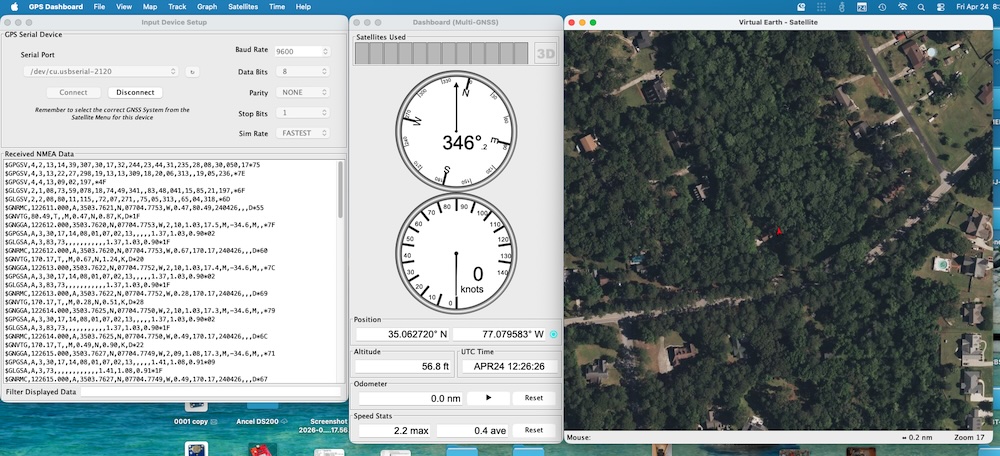
I found a hunk of software called GPS Dashboard ($7.99) for Mac that works pretty good. You’re kind of married to the 9600 default baud rate on the serial port though. Again, jamming up the refresh rate is cool and all but not that useful to me.
PPS
If you want to run a time server you’ll need to hook up this up to a microcontroller of some kind (Pi, Arduino, etc.) and utilize the PPS pin. That’s a blog for a whole other day.
Wrap Up
For $30 you can have an authentic MTK3333 chip which does GPS and GLONASS (Russia) and it has a battery backup and PPS output. You can add an external antenna (recommended) and learn the world of GPS and GNSS.
That’s a really good find. I’ve been looking for something affordable to experiment with, so this looks perfect.