
GNSS200L GNSS Receiver Review
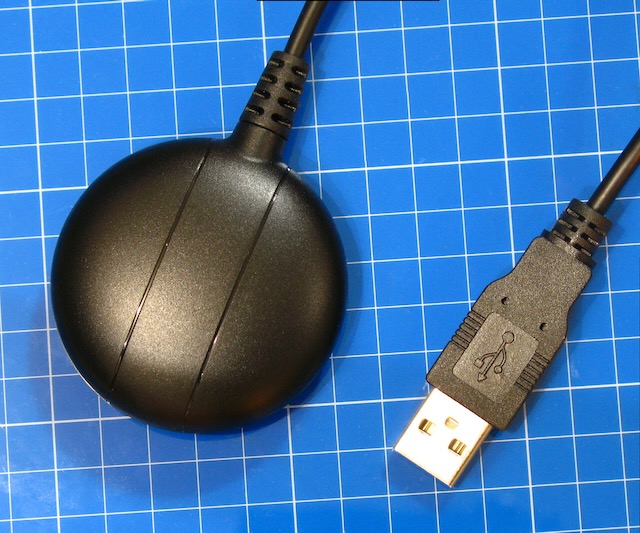
After digging through my GPS storage box I realized that I have never reviewed my GNSS200L GNSS receiver. I got mine at GPSWebShop a couple of years ago.
The advantage to this is that it is a puck and simply connects via USB to Windows, Linux, or MacOS.
There are no FTDI’s or serial converters needed. Just one clean USB connection to a computer.
Additionally, another major advantage is that because it is an authentic U-blox chip there is tons of documentation for it. If you buy some GPS module that is a knock off you aren’t going to get any documentation for it.
Is It An Authentic U-blox Chip?
Yes indeed it is. It contains a real U-blox 8030 chipset as confirmed by reading the start up message in the Text Console in U-blox U-Center software.
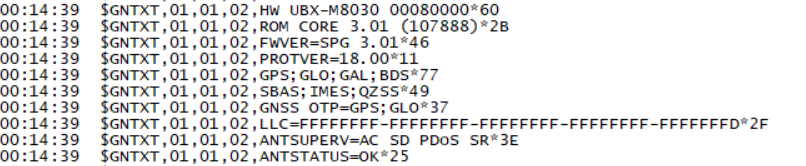
You may notice that on the 5th line it shows all the GNSS systems it supports.
- GPS – US
- GLONASS – Russia
- Galileo – EU
- Beidou – China
The kicker here is that you can only run 3 of the 4 at any time. And it seems that if I want to use Beidou I have to disable GLONASS. I can’t run GPS, GLONASS, and Beidou at the same time. It’s not a big deal but something worthy of taking note of. In the picture below I am running GPS, GLONASS, and Galileo.
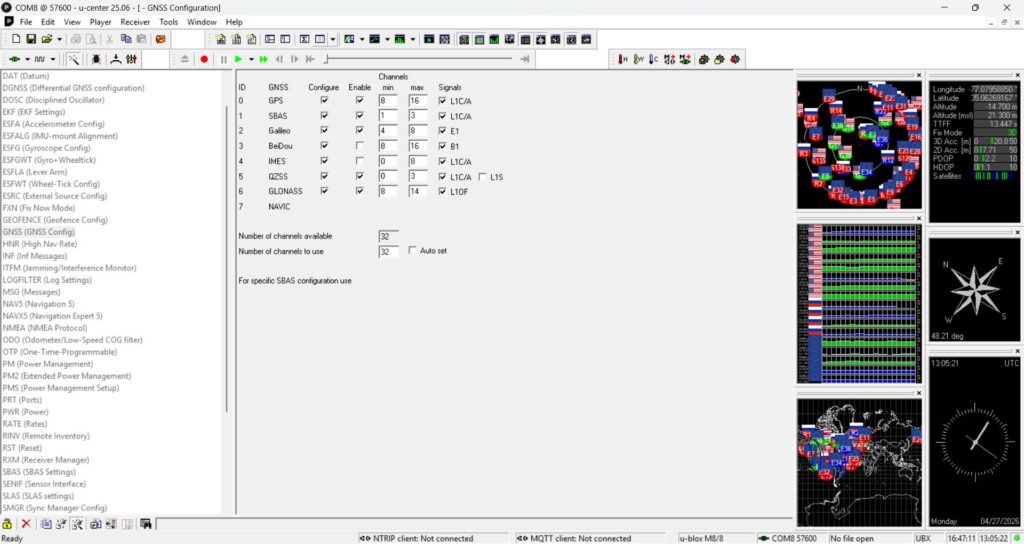
And the horizontal accuracy is about 2.5 meters. Most GNSS systems are about 3 meters accurate. Spend more money and you can get around 1 meter of accuracy. Spend a lot more money and you can get 1centimeter of accuracy with Real Time Kinematic (RTK).
U-Center Software
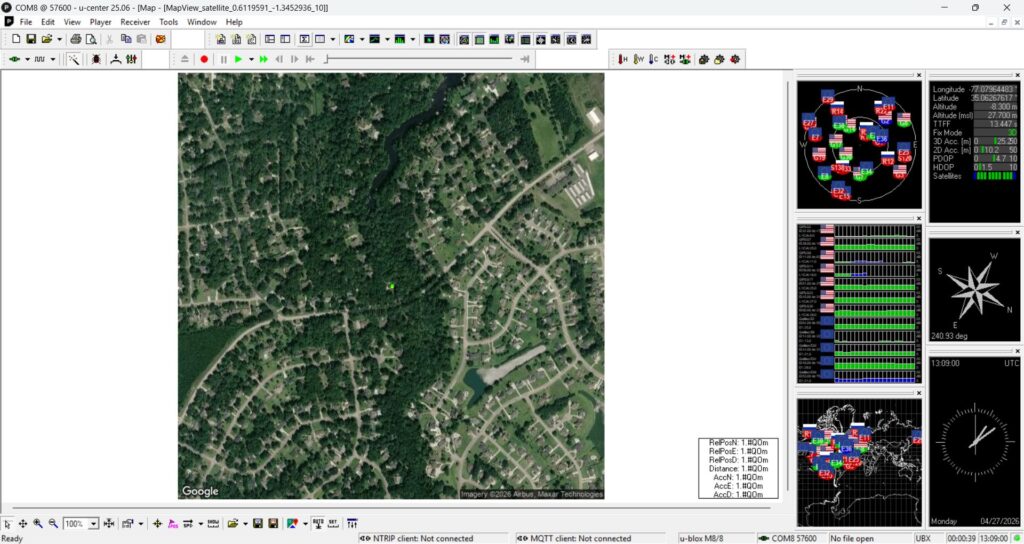
U-Center is an amazing hunk of software. It allows you to configure almost every possible aspect of the GNSS. It shows satellite maps, constellations, NMEA text, configuration settings, and Google Maps.
And of course it shows lat/long, elevation, azimuth, number of satellites it is using, and what system they are from.
Refresh Rate
The default refresh or update rate is 1Hz which is once per second. The GNSS200L is capable of a 10Hz refresh rate, which is 10 times per second. While that might be great for tracking, for static use it is a bit tough on the eyes to watch all that updating. I run mine at 1Hz. Still the configurability of this GNSS module is powerful.
Linux
This module works perfectly with Linux by using GPSD. It seems to be recognized at /dev/ttyACM0 when plugged into a Linux computer.
Here is a video outlining how I configured it on a fresh installation of Raspberry PiOS.
My Thoughts
Most GPS modules are bare boards and while some have USB connectors, many of them need a serial converter or FTDI. That makes for a wiring kluge. Once wired up with Dupont cables any movement could easily disengage any of the 4 wires you need to make a bare board work.
This is a self contained puck which is IP67 water resistant and it uses a USB-A male plug to receive power, and to send data to your computer. This is designed with mobility in mind.
Quite simply, if you know nothing about GNSS or GPS and you want to push the Easy Button to get started……….this is the way.