
Can I Use A Budget Bike Computer? – Coospo CS600
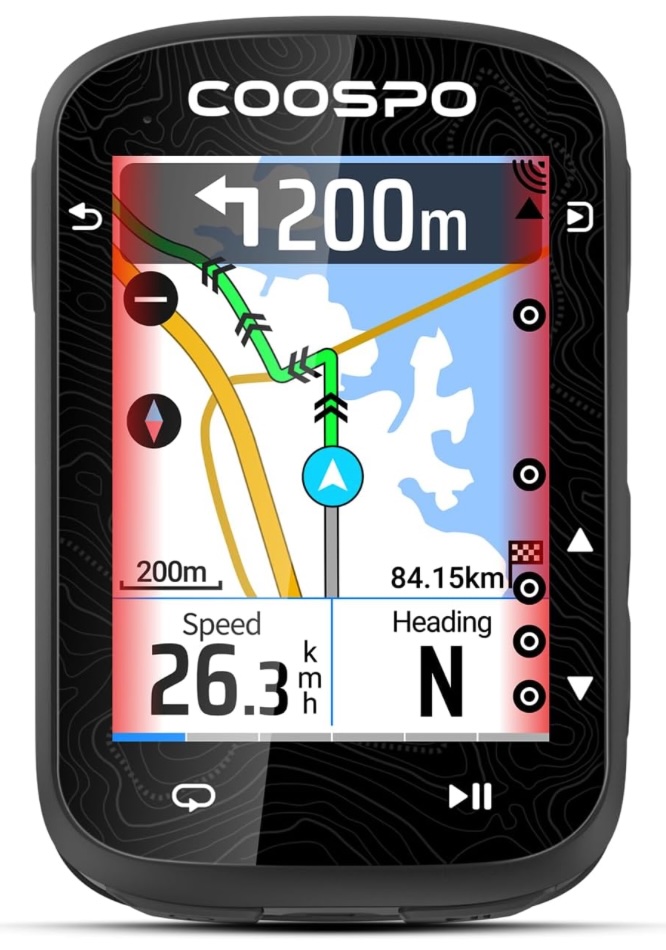
This is a bit of an unusual blog for me. I don’t own the Coospo CS600 bicycle computer yet and I am trying to decide whether to get one or not.
I don’t need one as I already own a Garmin Edge Explore 2, a Garmin Edge 530, and an old dawg, the Garmin Edge 705. Additionally, I bet you I have some old Cats Eye computers around here somewhere.
To answer my question in the Subject Line……Yes I could use one. Heck I just said I used Cats Eye bike computers before and they are as basic as it gets.
But I like to evaluate tech products and I like to ride bicycles. And if I crash and burn on said bicycle I’d be a lot happier destroying a $100 computer than a $300 computer. So the question remains, will the Coospo CS600 work for me?
Investigating – What I Have Done So Far
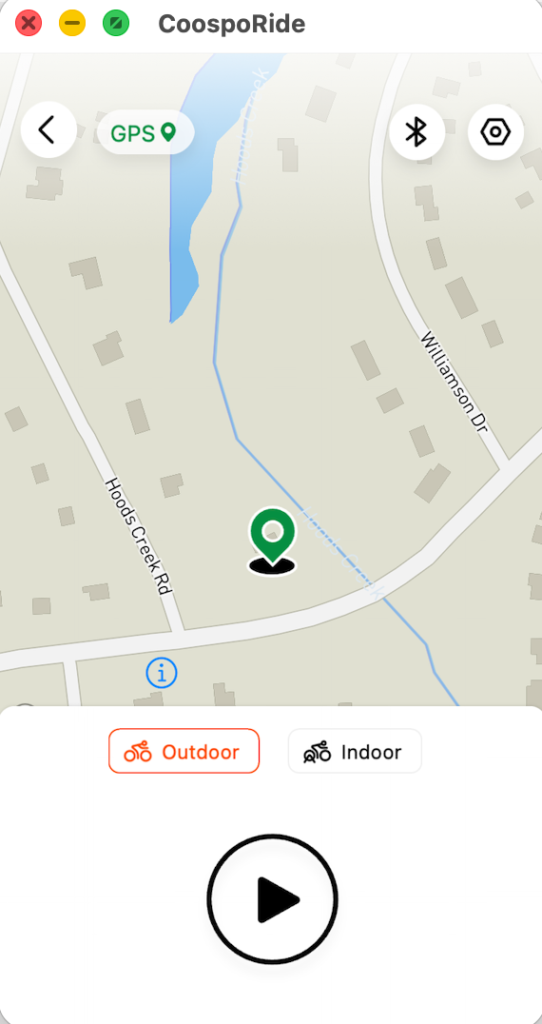
My first step was to download the CoospoRide App from Apple Apps. You might be surprised to find that it runs on my MacBookAir M1 just fine. A lot of iPhone apps actually do run fine under MacOS.
I was trying to find out what the maps looked like since it seems like one downside of the Coospo CS600 is that you have to use their maps and mapping system. I can load all manner of OpenStreetMap maps on my Garmin and in fact I do just that. The OSM maps are far better and more up to date than the Garmin cartography.
In the app screenshot here that actually is an OSM map.
So I’m no closer to viewing the Coopso maps. Then I found out that you can download regional maps from Coospo.
Once you get that map it comes in a .map extension. You can then install a program such as Cruiser Desktop. Cruiser needs a Java runtime environment and you have to launch a script file manually. No biggie for me, but maybe a biggie for you.
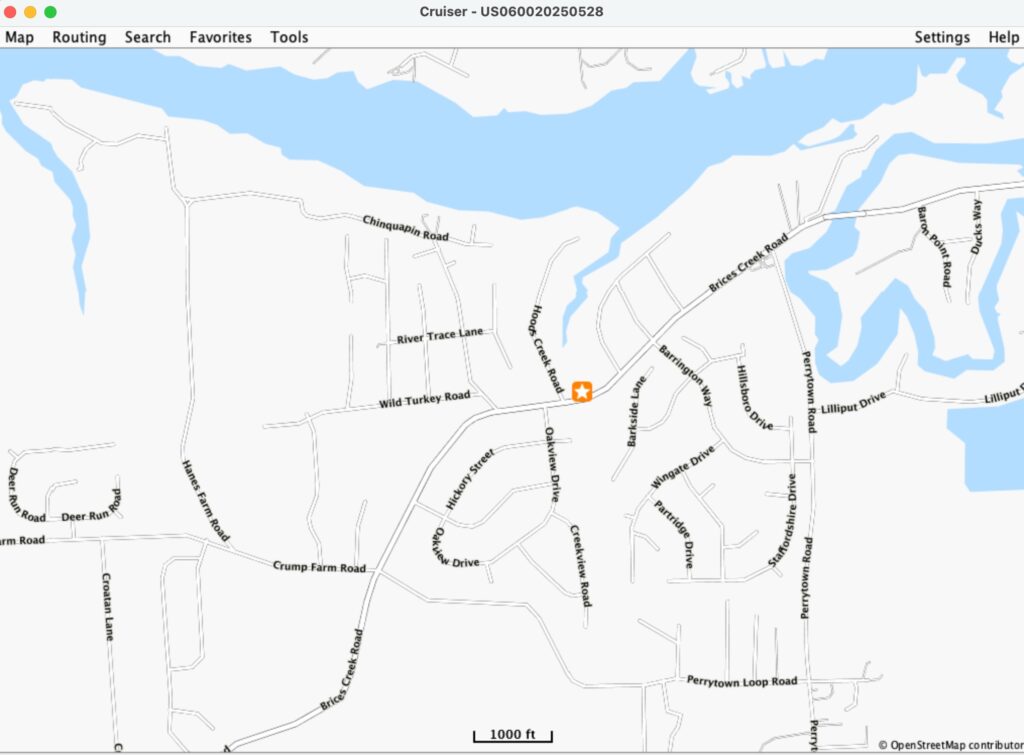
Okay. Now I know what the map will look like more or less. I think I can live with this.
Coospo CS600 GNSS Chipset
According to Google the CS600 uses the u-blox M10 chipset. That chip is no slouch and u-blox chips are considered among the best chipset for GNSS systems. No actual statement or publication from Coospo identifies what GNSS chipset is at the heart of this computer however a whole lot of their advertising claims align with the u-blox UBX-M10050-KB. If this is correct then the 10050 variant is only an L1 receiver with no L2 or L5 capabilities.
Not a lot of bike computers use multi-band chips. L1 is going to be enough. Some really high end GNSS receivers on bike computers use L2 and/or L5 bands.
For a good old basic bike ride in the street an L1 receiver is always good enough.
Solved!
I just found this photo in their FCC ID Report indicating it has a UBX-M10050-KB chip.
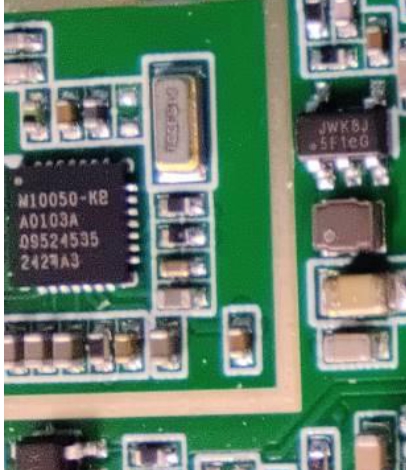
The individual cost of this chipset is around $2.50 to $5 which helps keep the cost of the Coospo CS600 low.
After looking at the FCC ID 2AF9HCS600 documents and board photos I have to say that this is a pretty sophisticated GNSS for $100.
UBX-M10050-KB Downside
The UBX-M10050-KB firmware cannot be upgraded. The ROM is built in. Perhaps Coospo will use a close variant such as a u-blox M10150-KB someday which is firmware upgradeable.
Mainboard Components Of The Coospo CS600
- u-blox UBX-M10050-KB
- Nordic nRF52832 (dedicated BLE/ANT+ coprocessor)
- HIKSEMI eMMC/NAND (large local storage, 8GB)
- Color touchscreen with onboard mapping/navigation capability
- Unidentified CPU – intentionally blurred in FCC ID Photos
Let me be clear, this is MUCH BETTER HARDWARE than what is found in some very expensive bike computers.
The issue is always SOFTWARE, SOFTWARE, SOFTWARE. Considering this computer came out less than a year ago I think we can at least hope for updates and product maturity. This will put the Coospo CS600 on par with high end computers. I repeat, IF the software matures.
My Riding Profile
Simple. I ride way out in the country to a small park which is almost exactly 11 miles from home. Then I ride back. Do i need a map? Not at all. But, get this. I like a map. And I just discovered that near my turn around point is something that I want to ride to that will just extend my ride by another 5 or 6 miles.
So for the first time in a long time I want a bike computer to navigate me through that new route.
Routing Caveat
One downside here is that everything I have read about the Coospo CS600 is that if you get off your navigation track it can’t bring you back on. But since I almost never navigate with a bike computer this really isn’t going to be a problem for me. It’s not like I won’t have a phone in my bike bag or an Apple Watch on. I’ll get home. But I am curious how it will work.
And I always reserve the right to look down a road and say, “what’s that, that looks cool”. Also from what I have read once you get back on your navigation route the CS600 treats you right.
The Ecosystem
Looks like I would be tied into using Strava with the CS600. I have Strava and I use Strava as a backup. While riding I use one of my Garmin Computers and most of them upload right to Garmin Connect and I am used to that ecosystem. On my Apple Watch I also record using Strava. But again, I only use that as a backup.
Additionally, you can use TrainingPeaks or just plain old export a GPX file into whatever software you use.
To Buy Or Not To Buy?
I haven’t decided yet. But I will soon. If you’ve used one of these let me know. I can’t and won’t shake down the the CS600 hardware because I haven’t seen, touched, or used one.
Great review! It’s impressive how much hardware Coospo offers for such an affordable price.
I bought the CS600 for commuting and my gravel races… If it gets stolen or breaks I’m far less upset by 200 dollars going missing than 600!
So far it’s decent. I also bought the coospo radar light and battery pump as well. It’s all well built and functions as expected. Any questions feel free to ask.
Make sure and get the 1.6.3 firmware they just released for the CS600