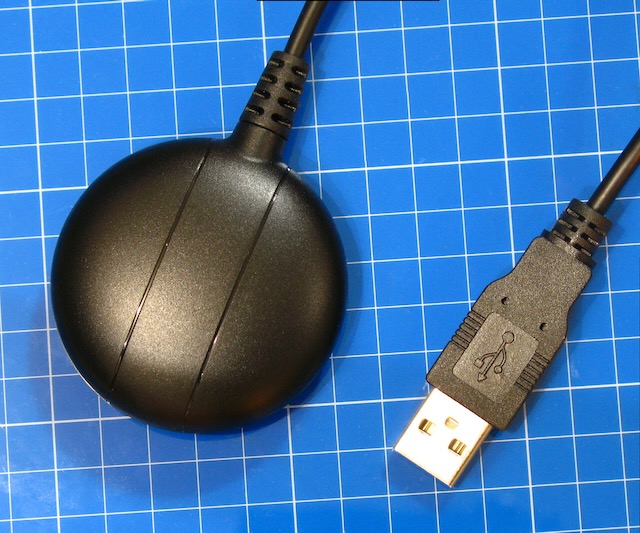
After digging through my GPS storage box I realized that I have never reviewed my GNSS200L GNSS receiver. I got mine at GPSWebShop a couple of years ago.
The advantage to this is that it is a puck and simply connects via USB to Windows, Linux, or MacOS.
There are no FTDI’s or serial converters needed. Just one clean USB connection to a computer.
Additionally, another major advantage is that because it is an authentic U-blox chip there is tons of documentation for it. If you buy some GPS module that is a knock off you aren’t going to get any documentation for it.
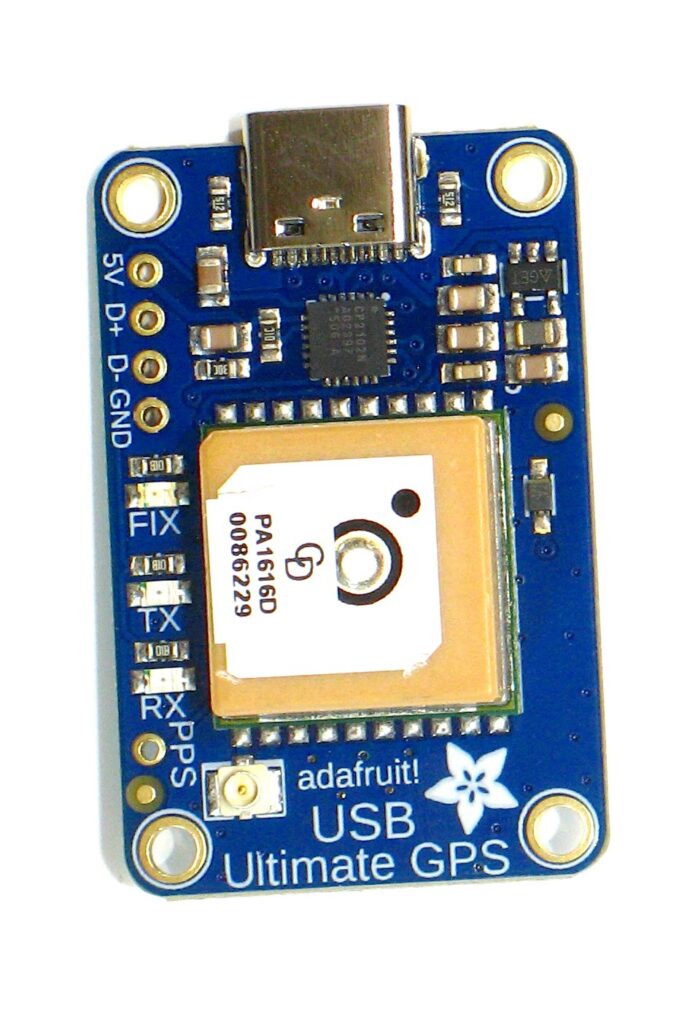
I love messing around with GPS modules. And I’ve said it before……..hooking a GPS up to a computer is a rite of passage for techies. I’m always on a quest to find a great module at a great price. Enter the Adafruit Ultimate GPS USB version ($29.99).
My favorite GPS modules are from U-blox however they tend to be a bit on the expensive side. That being said they have very powerful proprietary software that makes module configuration a breeze.
Not so much with the Adafruit modules which are based on the MTK3333 chipset which is definitely a great GPS chip. I know that you are thinking that you can buy GPS modules on Amazon or AliExpress for way less than $30, and you would be right. That being said almost ALL OF THEM are knock-offs and do not contain the chipsets that they claim. Yes, they are GPS modules, and yes, they work, however they are counterfeits mostly. I don’t like to spend my money on fakes.
Also places like Adafruit provide you tons of documentation to include command sheets, data sheets, and schematics. You get exactly what they say you get.
I tend to believe that connecting a GPS module to a computer is a rite of passage for techies. While grabbing your exact coordinates and seeing it on a map is big fun it doesn’t compare to learning about GNSS or GPS systems.
Probably the most useful thing you can do with a GPS module in a home lab is to use it as a time server. Pulses Per Second or PPS is ridiculously accurate. You can achieve this in your home lab relatively cheap.
I talk a lot about having a computer set up for off grid situations. But let’s build our own Linux computer that we can use both online and especially offline. I’ll try to teach you some valuable tips along the way.
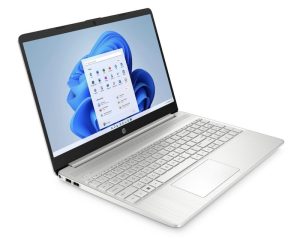
Yeah, yeah, yeah, the picture next to this shows Windows. That’s a stock photo of the laptop I’m using for this project. The HP 15.6″ FHD 15-ef2030tg.
I picked this up for a song and it was so cheap, I believe, because this is a model from 2021 that is probably the last of its stock. It has decent specs though and this thing is IDEAL for a Linux computer. Continue reading →
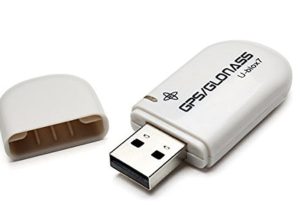
It claims to have a U-blox 7020 chipset inside but if I know anything it’s that most GPS modules you buy online that claim to be U-blox are usually counterfeit.
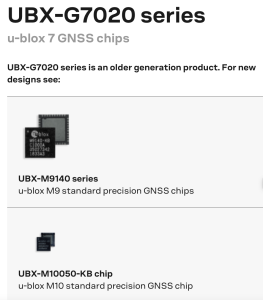
We might be in good shape here because the 7020 chipset is an older generation product according to U-blox.
The 7020 chipset is a GPS/GLONASS (Russian positioning system) and is small and low powered. It is my understanding that it will not do GPS and GLONASS simultaneously. You have to select one or the other in U-blox software. United States GPS is a bit more accurate than GLONASS and it seems to be default set to GPS. We’ll keep that setting for initial testing and toggle it to GLONASS later (if we can).
You can find these VK-172 GPS dongles all over the place but I think a large number of them have counterfeit chipsets.
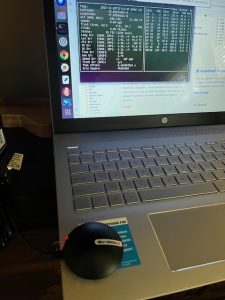
Let’s test it with U-blox U-center software to see if it indeed an authentic chipset. Continue reading →
I have several blogs on GPS modules. Most of them deal with either counterfeit modules or using a USB GPS module on an offline computer.
Then someone recently emailed me and asked, “who the heck needs a USB GPS receiver”? That is a perfectly good question to ask. Most of us know right where we are, and besides, our phones and a lot of our cameras already have built in GPS. While you know your phone has GPS and you can drop a pin to someone………when’s the last time you actually saw the coordinates?
And ask yourself if you can share that GPS with other devices on your network? Continue reading →
It is actually quite easy since Linux doesn’t need any drivers loaded. Also this blog sort of augments the last blog I wrote regarding the capabilities of using a computer offline. In one section I used a U-blox GNSS module to capture GPS coordinates on Windows and Linux operating systems.
That U-blox module is not exactly what I’d consider to be weather proof. My intent here is provide a GPS solution that is in some sort of reasonable enclosure that is more conducive to getting bounced around in a backpack. Or more conducive to being used in an outdoor environment. Continue reading →
What if you woke up and there was no internet connection?
I have written similar blogs a couple of times in the past but like to keep it up to date as technology cruises forward or if I discover new hardware. Just what would you do if you woke up and there was no internet connection? This could be due to a massive telecom hack, or natural disaster, or an act of war.
Surprisingly, your computer can do quite a lot without a network connection, even if you can’t picture in your mind how that could be. Let’s explore how we can use a computer with no internet connection.
What Can We Do With No Internet Connection?
Quite a bit actually. Let me make a quick list:
GPS
Radio (AM, FM, shortwave, weather, air band, etc.)
This is one of my favorite subjects. And it kind of goes along with being prepared for the worst. Small devices such as computers can be easily recharged or used on even a small solar set up. So what can you do with a computer when there is no internet? Quite a lot actually.
I’ve done this before in 2018 with a Linux computer but I’m going to do it this time with a Windows laptop. But it is time to update that post a little bit, I suppose.
And as per my previous recommendation you want to probably use an old laptop and preferably something like a ToughBook. If the internet is down, and life is getting harder you don’t need some baby computer that won’t hold up.
TV
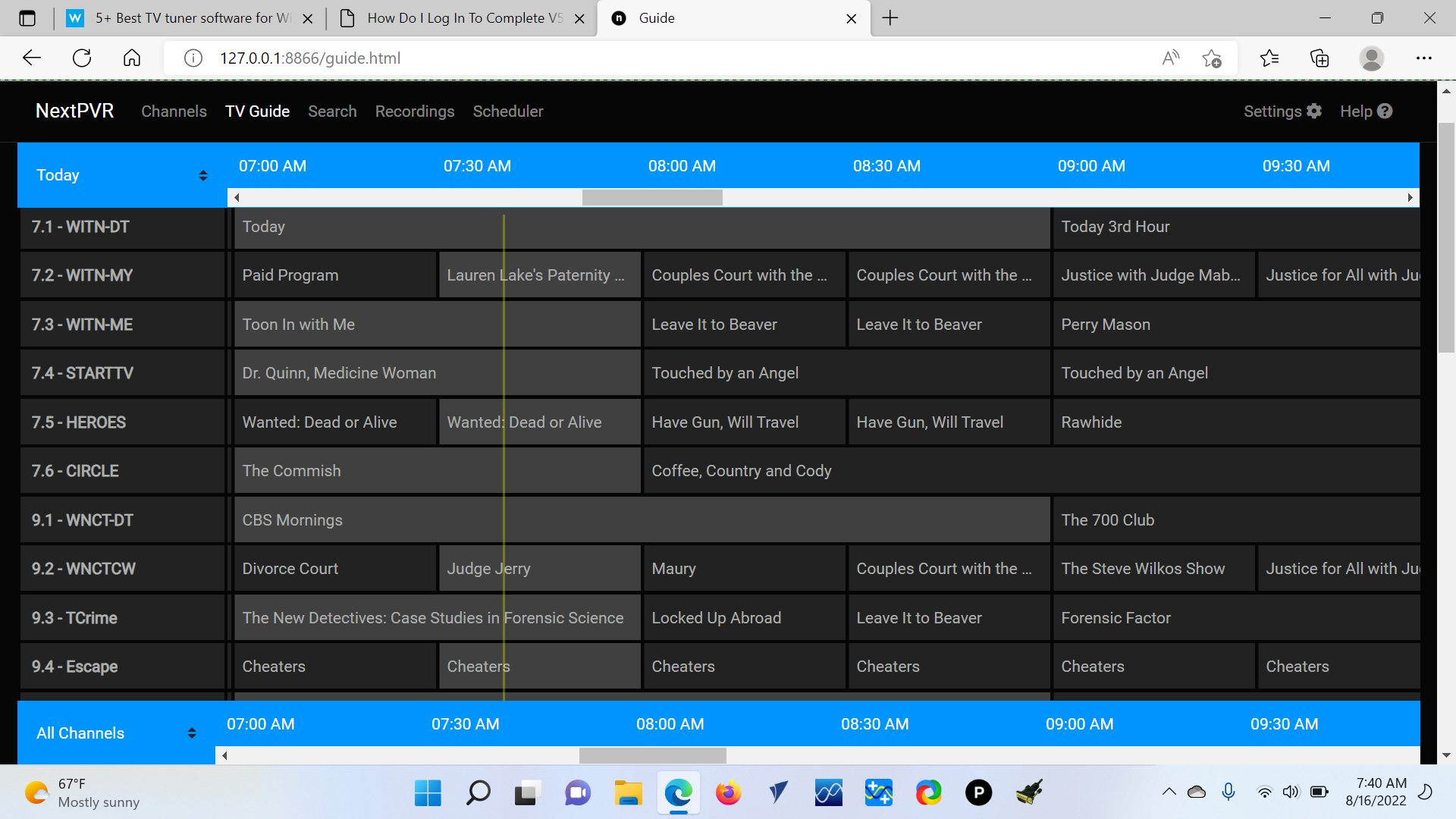
Yep, your computer can be a TV with no internet connection. You do need a USB TV Tuner though. I use the Hauppauge 955Q which is probably obsolete since I couldn’t find it anymore on Amazon. This seems to be the latest generation. Despite which tuner you get make sure that it is ATSC and not PAL. ATSC is US and PAL is European. Your tuner combined with software called NextPVR or probably any number of software programs you can download will give you an Electronic Program Guide and allow you to watch Over The Air Live TV. That program guide does come down from the internet though, and you won’t be able to access it if the grid goes down. Still, you know what your local channels are though.
NOTE: I probably should state that my grid down situation is most likely a hurricane and all the local stations are 40 or so (driving) miles away and inland so they will most likely still be operational. Your situation may vary.
Being able to watch TV during a power outage or while you are Sheltering in Place could provide vital, life saving information. Or it could just provide much needed entertainment in a bad situation.
I’ve been talking a lot about fake GPS Modules a lot……now let’s talk about legit GPS Modules.
First of all I’ll run over the actual legit GPS chips that I own and have dabbled with.
I have several GlobalSat BR-355S4 pucks. These have Sirf Star IV chipsets in them which ONLY receive USA GPS system. I use these with my Uniden Police Scanners. Simply cut the plugs off of them and wire them to a plug that fits the Scanner.
I think it is important to note that as I mentioned above it ONLY receives GPS. While this is probably fine for a police scanner, I don’t think I’d trust my life hiking out in the Mohave Desert with a device that had a Sirf Star IV chipset. I’m not saying GPS would go down………but what if it did?
And I’m not knocking Qualcomm or their Sirf Star IV chipset. I’m just saying I want redundancy in a life or death situation.

 I have